Connectivity
Bluetooth® Connectivity
Wirelessly connect your phone to make calls and stream audio through your Kia’s infotainment system.
Hands-Free Phone Calls
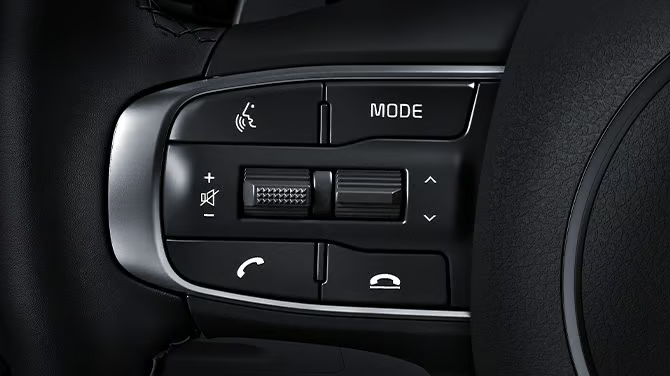
Make and receive calls through the infotainment system without handling your smartphone.
Audio Streaming
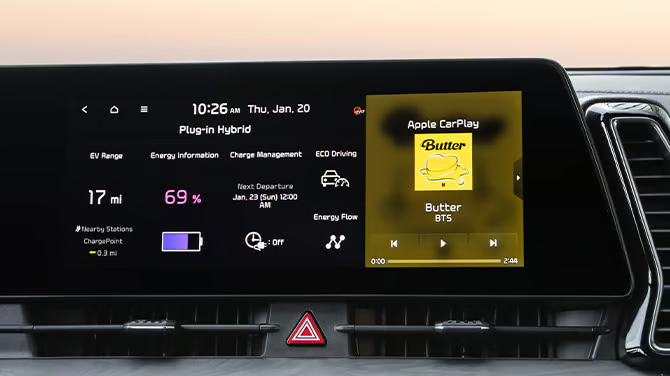
Stream music wirelessly from your smartphone through your Kia’s audio system.
Text Messaging
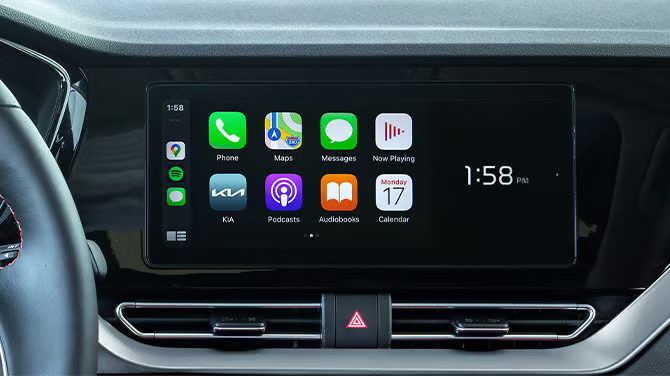
View incoming messages and send replies using voice commands through the infotainment display.
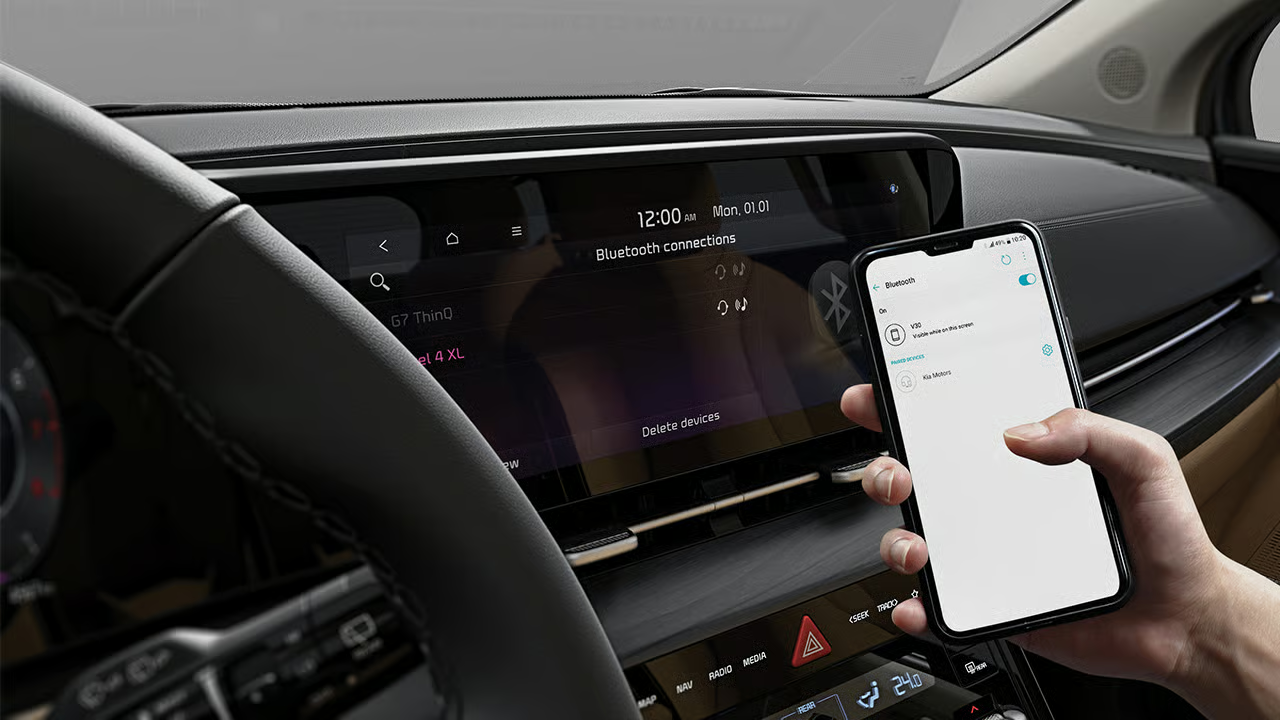
Bluetooth® Pairing
Learn how to pair your smartphone with your Kia to enable hands-free calling, audio streaming, and voice features.
How to connect via Bluetooth®
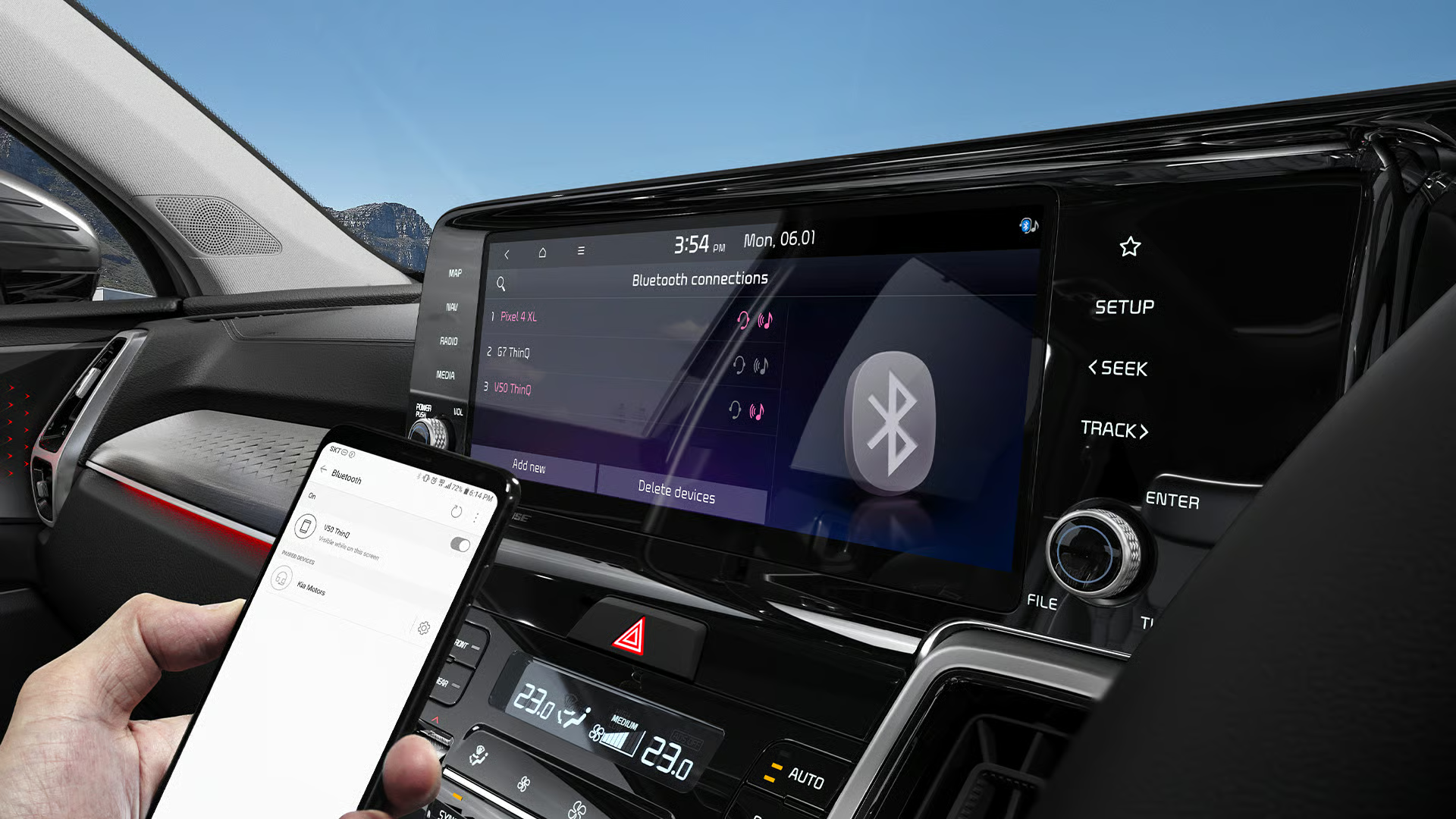
To connect your device via Bluetooth®, you must first pair it with your infotainment system and add it to the list of Bluetooth® devices.
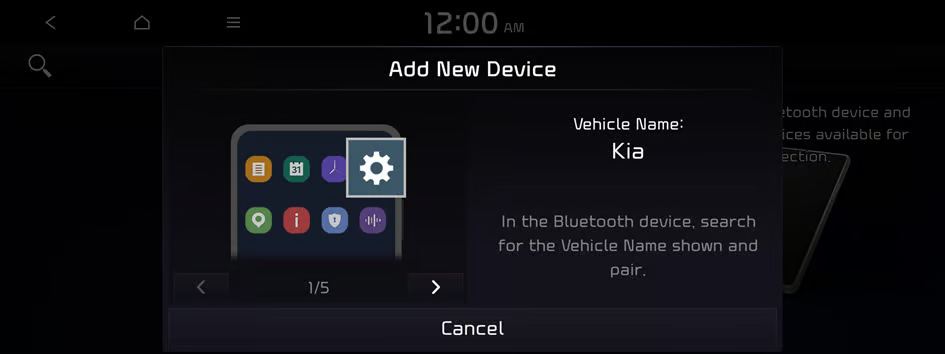
Step 1
your phone, turn on Bluetooth®. On your Kia’s infotainment screen, go to Setup > Device Connections > Bluetooth® > Add New.
Step 2
On your phone’s Bluetooth® list, select your vehicle name (the infotainment system).
Step 3
Confirm the passkey matches on both screens, then approve the pairing on your phone.
Step 4
If prompted, allow access to contacts and message notifications to enable calling and messaging features.
Step 5
Confirm the connection status shows Connected on the infotainment screen.
Precautions
- Park in a safe location before pairing. Do not pair while driving.
- If pairing fails, turn Bluetooth® off and back on, then try again.
Feature availability may vary by model, trim, and region. Refer to your owner’s manual for details.
Frequently Asked Questions
Is there a cost for using the Bluetooth® in a Kia Vehicle?
No, the Bluetooth® is provided for free on all Kia Models.
How can I answer an incoming call while using Bluetooth® in my Kia?
You can answer a call by tapping the 'Accept' button on the infotainment display or pressing the ‘Call’ button on the steering wheel. To end the call, simply press the button again.
Can I reject an incoming call while connected via Bluetooth®?
Yes, you can reject a call by either tapping the 'Reject' button on the infotainment display or pressing and holding the ‘Call’ button on the steering wheel.
Can I connect multiple phones to my Kia via Bluetooth®?
Yes, up to 6 phones can be registered to your Kia Vehicle. (The availability and operation of features may vary depending on the model, trim, and region.)
What is the hands-free feature of Bluetooth®?
The hands-free feature allows you to make and receive calls without taking your hands off the steering wheel. Additionally, you can perform voice commands via voice recognition.
Kia Dealer Network
Locate an authorized Kia dealer near you and get expert support for sales, service, and ownership.

Schedule a Test Drive
Experience the performance and comfort of a Kia firsthand.


Find your Kia
Step into the Kia experience today. Explore our latest models and connect with our expert team to find the Kia that fits your lifestyle and driving needs.